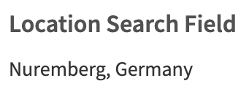
The Location Search Field allows users to search for valid locations. The chosen location is displayed on the elements detail page in the format City, Country.
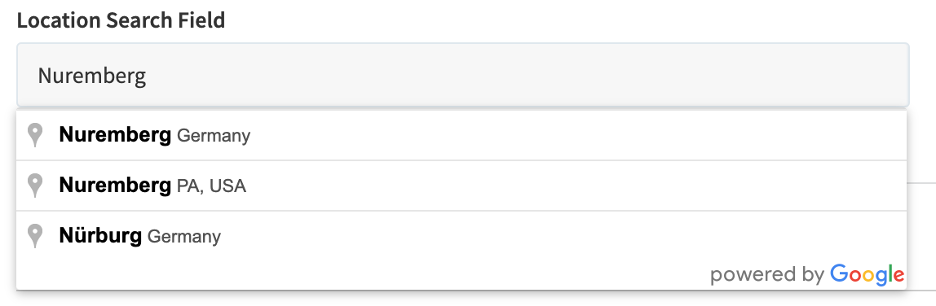
The Location Search Field is represented as an input field when creating a new element. After the user starts typing, a drop-down with location suggestions opens and the user can choose a location.
How to add a Location Search Field to an entity?
You can add fields to an entity by using the field configuration.